
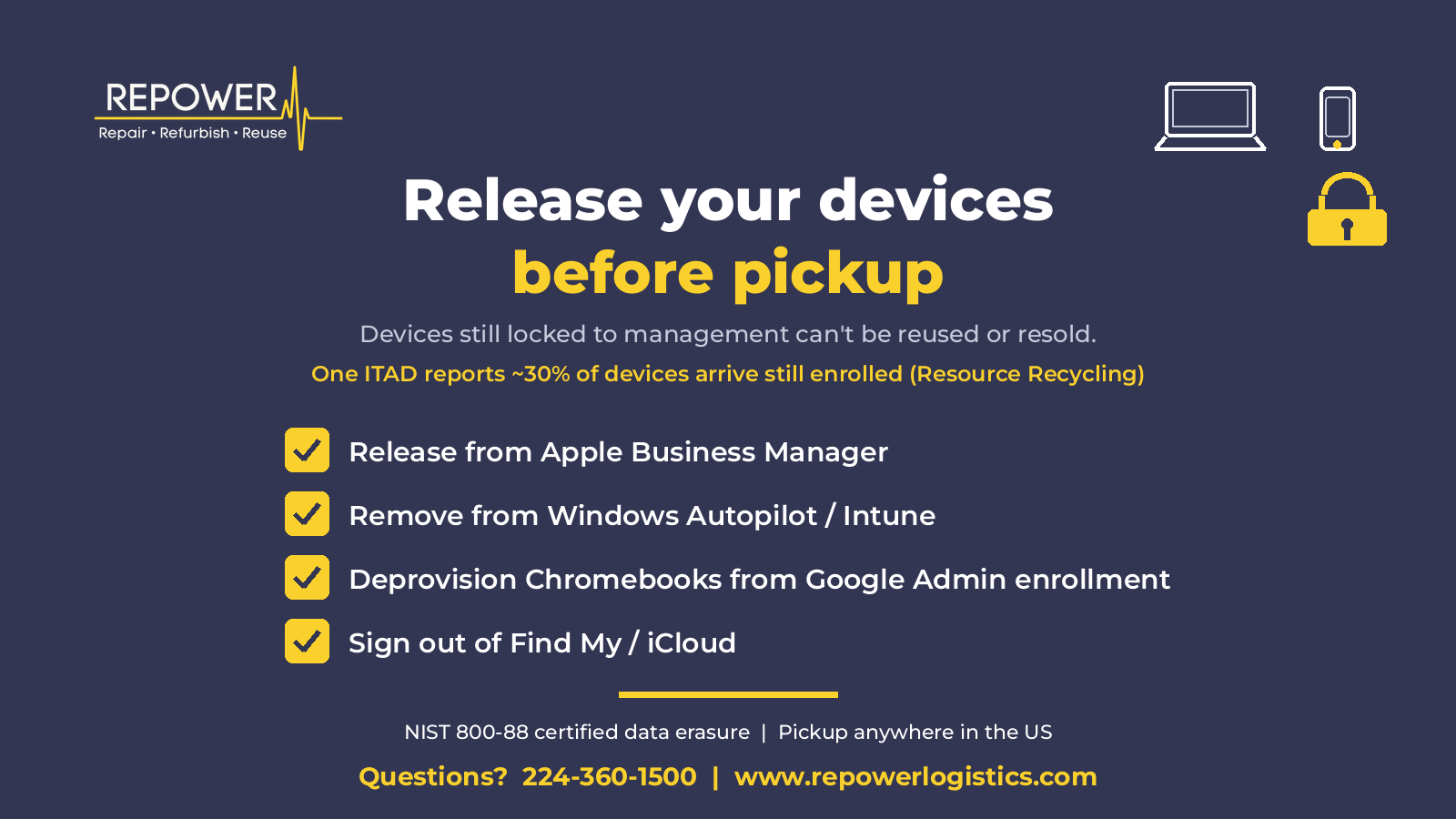
Release your devices before pickup.
About 30% of devices that arrive at IT asset disposition (ITAD) facilities are still enrolled in Apple Business Manager or similar device management, according to a November 4, 2026 Resource Recycling report on a panel at the E-Scrap Conference. Locked devices often cannot be reused or resold intact. Some ITADs scrap anything that cannot be unlocked within 30 days, and every day of delay erodes resale value.
If you want the best recovery on retired gear, clear management before the pickup truck arrives. Here is a short checklist.
Apple Business Manager / Apple School Manager
In Apple Business Manager, go to Devices > Inventory, select the device, and choose Release from Organization. In Apple School Manager, open Devices, select the device, choose More, then Release from Organization. Confirm that you understand the action cannot be undone. Then remove the device from your MDM and erase and restore it. Once a device is released, Activation Lock can no longer be managed through Apple Business, so handle Find My separately if it still applies.
Windows Autopilot / Intune
In the Microsoft Intune admin center, delete the device under Devices > Windows so it leaves Intune. Then go to Devices > Enrollment > Windows Autopilot > Devices, find it by serial number, and Delete it so the Autopilot hardware hash is deregistered. Microsoft's order matters: remove it from Intune first, then from Autopilot. Skipping steps can leave orphaned records that block a future owner.
Google Chromebook enrollment
In the Google Admin console, go to Devices > Chrome > Devices, select the Chromebook, and choose Deprovision selected devices. For gear you are retiring or reselling, use the reason Retiring from fleet. Deprovision before you wipe. If forced re-enrollment is on and the device is only wiped, it will try to rejoin your organization.
Find My / iCloud Activation Lock
On the device, turn off Find My (Settings > [your name] > Find My on iPhone or iPad; System Settings > [your name] > iCloud > Find My Mac on a Mac), or sign out of iCloud and erase all content and settings. That removes Activation Lock. If you no longer have the device, erase it from icloud.com/find, then choose Remove This Device.
Android Enterprise / Samsung Knox
A factory reset alone does not clear zero-touch or Knox Mobile Enrollment. In the Android zero-touch enrollment portal, open Devices, find the device by IMEI or serial number, and Remove it. For Samsung devices in Knox Mobile Enrollment, unenroll them in your MDM and delete them from the KME device list so they will not auto-enroll again after a wipe.
Why this protects resale value
A locked or enrolled device often cannot be sold as a working unit. Buyers will not take a laptop that re-enrolls into someone else's MDM, or an iPhone stuck on Activation Lock. That usually drops the asset to parts value, or to scrap. Releasing devices first keeps intact units in the reuse market instead of shredding good hardware.
How RePower handles the rest
RePower accepts any IT equipment in any condition and pays only for items with resale value. Every job includes NIST 800-88 certified data erasure and a serialized certificate of erasure. R2 certificate of destruction provided. We pick up anywhere in the US.
If a few devices arrive still enrolled, we can often work with your IT team to get them released so more of the load stays on the reuse path. Timing and your admin access matter, so clearing management before pickup is still the surest approach.
Ready to schedule a pickup? Visit www.repowerlogistics.com or call 224-360-1500.
Source: Resource Recycling, "Unenrollment issues hamper ITAD industry," November 4, 2026.